Free Website Development Scope of Work Template [Docs / DOCX]
Building websites without a clear scope is like coding without a brief. It's not clear what the client wants you to do, and you may end up not satisfying your client's expectations.
That’s why we created a free website development scope of work template. It helps you map out every page, feature, and deliverable upfront, so clients know exactly what to expect, and your team knows exactly what to build.
What is a Website Development Scope of Work?
A Website Development Scope of Work (SOW) is a detailed document that outlines the boundaries, deliverables, and timelines for your web project.
It defines everything from the website’s technical definition and its codebase explanations, to the frontend languages (HTML, CSS, JavaScript) and backend technologies. It clearly states what is and isn’t included in the project, so your agency is well aligned with the client, and both parties can avoid misunderstandings.
Why You Need a Website Development Scope
A website development scope helps ensure that both you and your clients are on the same page about what the project entails.
It can also help agencies:
- Avoid Scope Creep
Clients often ask for additional features, whether it’s a new page, a different design element, or extra functionality.
These requests, even if they seem minor, can accumulate and slow down the project, and increase the overall cost you spend.
If this isn't clearly stated in the project scope, your agency could end up paying out of pocket for these hidden fees.
A clear website development scope outlines what is included in the project and what isn’t. To help you avoid scope creep totally, ManyRequests allows you to create a service catalog where you create a list of services that you offer, give it a name, and add your price.
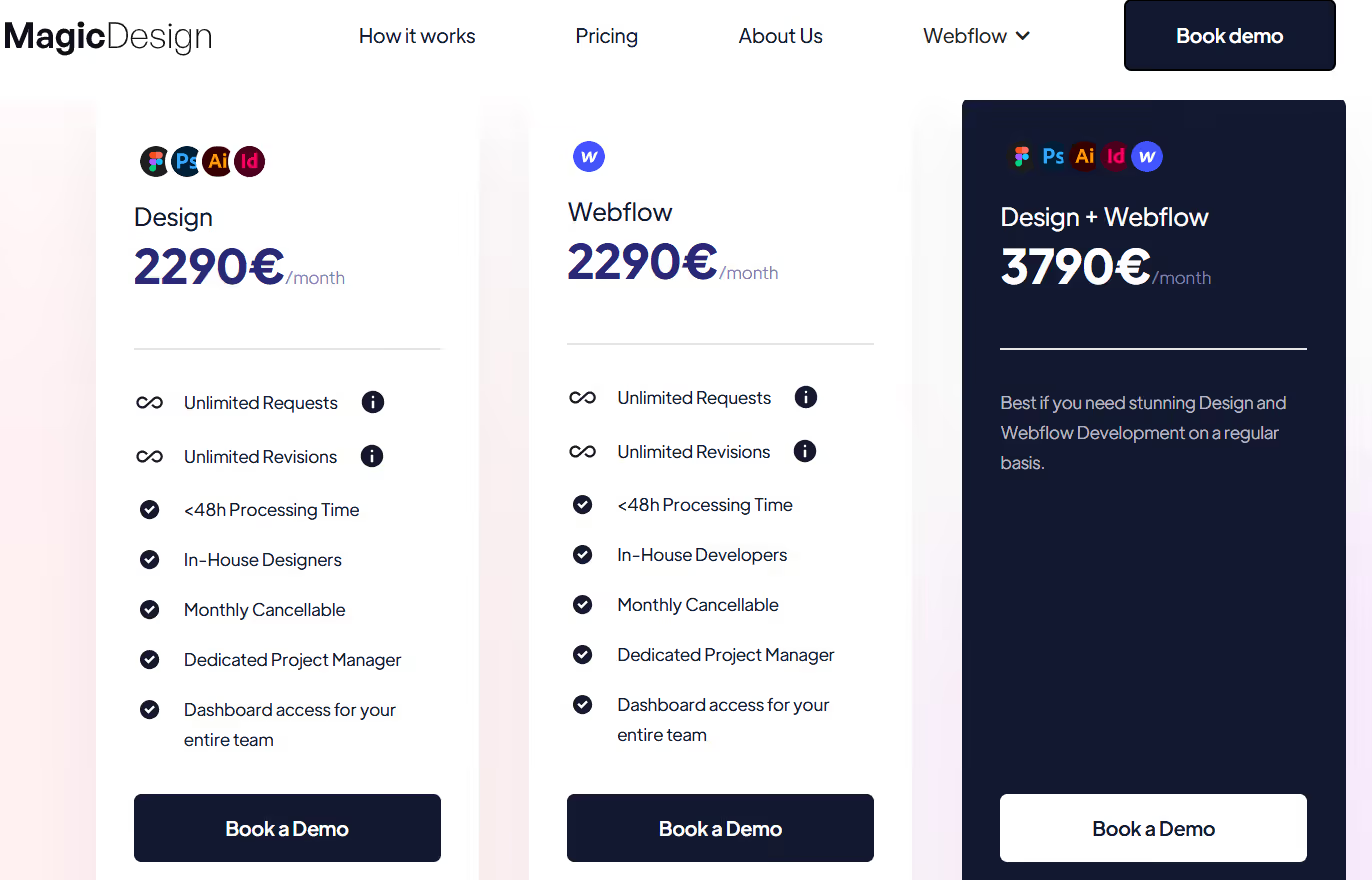
The client sees this catalog before they pay, so they know what to and not to expect.
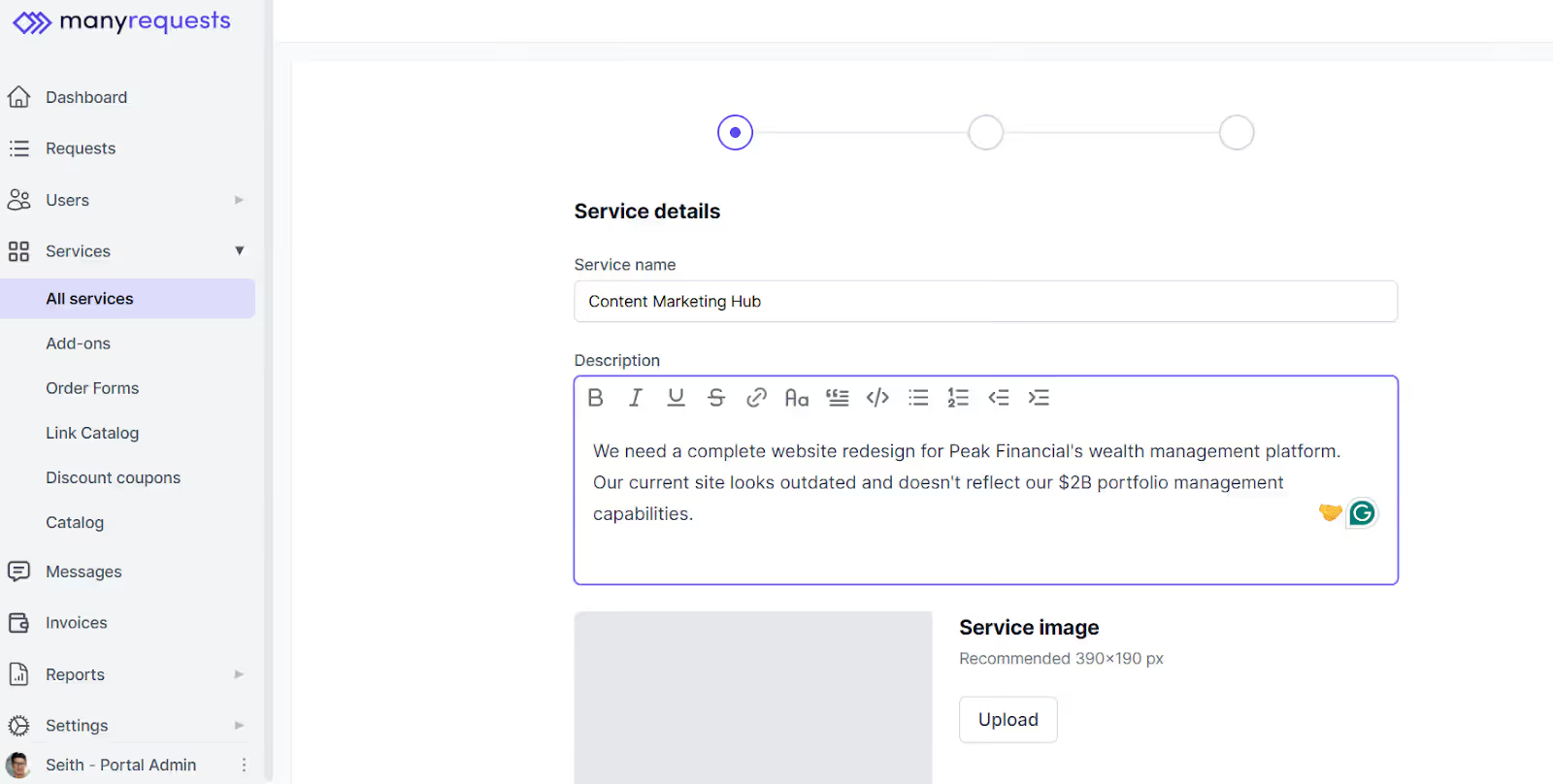
When a client pays for any of your productized services, ManyRequests guides them through a series of questions about their needs and expectations for the project, including every asset you need to start the project, like target audience information and their preferences.
Read more about productized services.
- Manage Client Expectations
Your clients may expect more than you plan to offer for the project, which is why you shouldn’t be vague about project details.
For example, your client's idea of a “modern website” that you wrote in the scope could be a fully custom design with advanced features, while you only plan to offer a template-based site with essential pages.
With this, you're bound to send deliverables that don't match the client's expectations.
- Improve Client Communication
Misunderstandings between clients and agencies can cause unnecessary delays. Your scope serves as a reference for you and your client to refer to whenever questions arise.
It specifies:
- What work will be done (e.g., custom theme development, writing and testing code, back end and front end, responsive design)
- When it will be done (e.g., milestones such as the design approval stage, prototype delivery, and launch)
- Who needs to approve the work (e.g., who will review the designs or approve the final website)
- How feedback should be provided (e.g., through email, within a feedback tool, or in meetings)
- What counts as project completion (e.g., when all deliverables are handed off, the site is live, and post-launch support is complete)
- Clarify Development Milestones
Creating a website involves multiple stages such as wireframing, design approval, development, and testing. Your scope should break down these milestones and include specific deadlines for each stage.
This way, you can track progress,and avoid delivering rushed work.
- Set Post-Launch Expectations:
Once the site is live, your clients may have questions about ongoing support or future updates.
Your website development scope should outline the level of post-launch maintenance you’ll provide, such as bug fixes, security updates, or additional changes.
This helps avoid misunderstandings about what’s included after the project is completed.
Creating Your Website Development Scope
A website development scope should cover everything from the initial concept to the final launch.
Here's a step-by-step guide on the sections to include in your website development scope and what should be in each section:
- Create a list of website development tasks.
Start your project by listing every task needed to build the website.
For instance, you might have tasks like:
- Discovery and client requirements gathering.
- Wireframing and design drafts.
- Front-end and back-end development.
- Content population (e.g., text, images, videos).
- User acceptance testing (UAT).
- Final delivery and site launch.
Define each milestone as a task from the beginning so there's no ambiguity on what's what. It will also help your client understand what's involved in each stage of the project.
- Define Assumptions
Assumptions are working beliefs that both you and the client agree upon. They’re not guaranteed, but they help ensure the project goes smoothly.
For example, an assumption for a website redesign could be that the client will provide the necessary content (text, images, branding assets) before development begins.
If you don't clarify who's responsible for these responsibilities, both you and the client could get confused about what you should provide during the course of the project. List these assumptions out to clarify each party’s responsibility.
- State the Out of Scope
Out-of-scope items are services not included in the website development project. Be clear about what is not included in the scope to avoid misunderstandings.
For instance, if the client asks for "unlimited revisions," you can specify that the project includes “two rounds of revisions”, and any additional revisions will require a new agreement or extra fees.
- Include a Project Timeline:
Your project timeline should include a detailed schedule of when each part of the website development will happen. A typical timeline might look like this:
- Initial briefing and project kickoff: Discuss project details, goals, and timelines.
- Design mockup delivery: Your team completes an initial website design and shares it with the client.
- Client review and feedback: The client reviews the design and provides feedback or requests changes.
- Development phase: The website is built, including front-end and back-end development.
- Final adjustments: Incorporating client feedback and making final adjustments.
- Launch and approval: Client gives final approval, and the website is launched.
This timeline keeps everyone on the same page and ensures that no phase drags on unnecessarily.
- Add Project Constraints:
Set limitations such as budget, time, or available resources. For instance, if your team only has access to specific software or tools, note this in the scope.
Write down what is and isn’t possible within the project's budget and timeline. Communicating these constraints will help you prevent scope creep and ensure that both teams understand what’s achievable within the agreed parameters.
- Outline Deliverables:
List all deliverables the client will receive at the end of the project. Include specifics like the number of pages, the features (e.g., e-commerce functionality, content management system), and the file formats.
For example:
- Fully responsive website (mobile, tablet, desktop)
- CMS set up for easy content editing
- Social media integration
- Search engine optimization (SEO) setup
Ensure the client knows exactly what they will get and avoid misunderstandings.
- Approval Points:
Define every approval stage in the project, from the design mockups to the final site. Clearly outline when and how the client will review the work and give their approval at each step.
For instance, specify:
- Approval of design concepts (before development starts)
- Approval of the first draft of the website (before full build)
- Final approval before launch
This shows proof that your team and the client agree on what is delivered at each stage.
How To Use Our Free Website Development Scope of Work Template
Here's how to customize our free website development scope statement template to fit your agency's needs:
- Download the template from our website.
- Edit the text to add your business name and logo.
- Fill in all highlighted spaces and italicized words with your information
- Add the specific services you'll offer your client
- Review it with your team members.
Conclusion
A clear and detailed website development scope is crucial for the success of your project. It ensures your team and your client's team understand the expectations, timelines, and deliverables around the project you're working on.
ManyRequests offers a powerful client portal that helps you organize project details, track progress, and communicate with your client from one platform. Sign up for a 14-day free trial (no credit card needed) to see how it works.

.svg)